
19 SEO Templates to Rank Higher in 2026
18 min read · Published November 4, 2026
What You'll Learn In This Guide
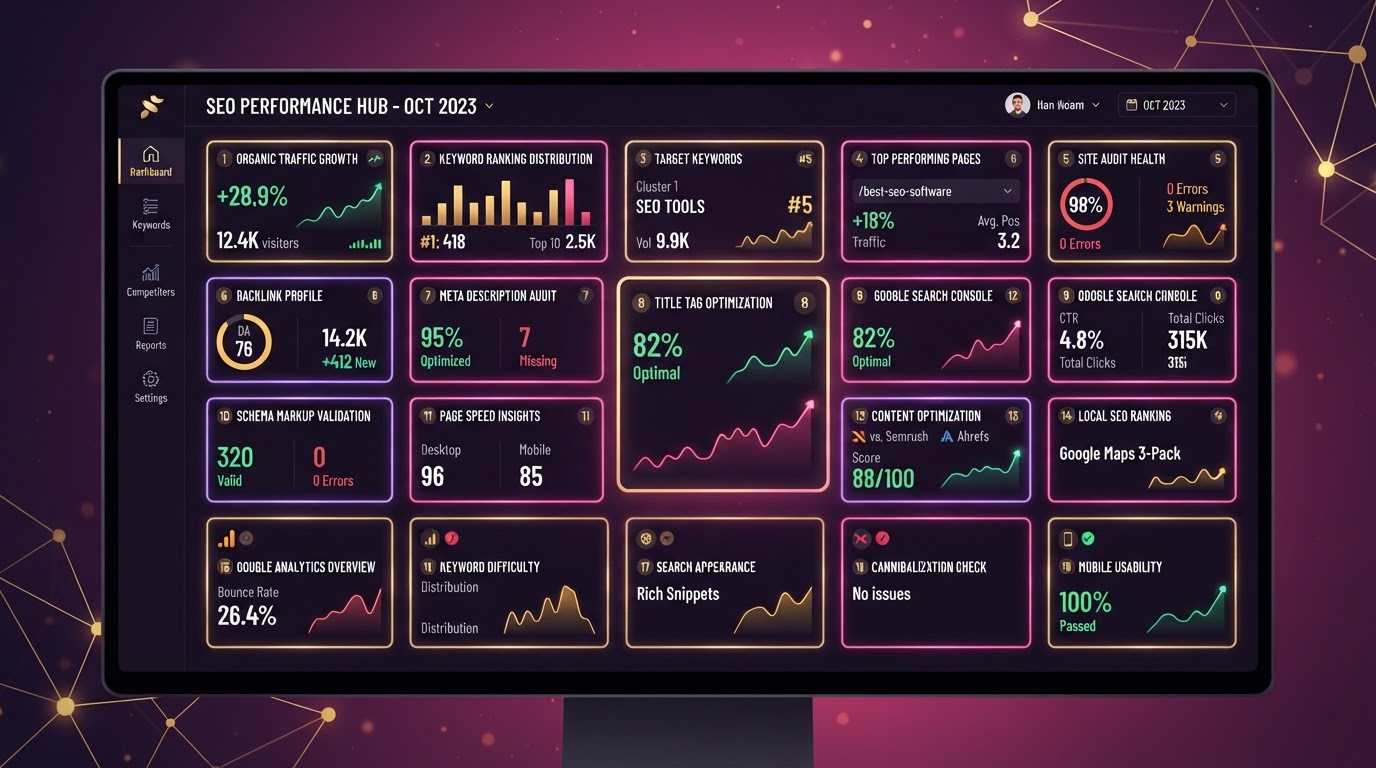
seo templates · google search console · title tag template · meta description template — step-by-step tutorial with real examples, AI prompts you can copy, and a free advertising audit checklist.
Trending Paid Ads Topics & Tutorials:
SEO in 2026 is no longer about stuffing keywords into thin content and hoping Google notices. It's about structured, intent-matched, technically sound pages that search engines and AI answer engines can parse instantly. These 19 SEO templates give you ready-to-use frameworks for every part of the modern SEO pipeline — from the title tag on your homepage to the schema markup on your product pages to the content brief that guides your writers. Each template is copy-paste ready, tied to a Google Search Console workflow, and paired with an AI prompt so you can generate the variation your business needs in under 60 seconds.
We use every one of these templates daily across our managed client accounts — the same pages that rank for competitive paid-ads and local-service keywords. Download the free checklist at the bottom of this article and start applying them to your site today.
Template 1: The 2026 Title Tag Formula
Your title tag is still the single highest-impact on-page ranking element. Google rewrites about 61% of titles, but when yours is well-structured, Google keeps it as-is more often than not.
Copy-Paste Formula
[Primary Keyword] — [Brand or Differentiator] | [Secondary Keyword or City]Example: Paid Ads Management — Alomar Marketing | Google & Meta Ads NJ
Length guardrail: 50–60 characters. Anything over 60 gets truncated in most SERP widths.
Google Search Console workflow: Open GSC → Performance → filter by page → sort by CTR descending. Any page with > 3,000 impressions and < 1.5% CTR is a prime candidate for a title rewrite using this formula. Track the before/after CTR for 21 days.
Template 2: The Meta Description That Earns the Click
Meta descriptions don't directly move rankings, but they dramatically impact click-through rate — and CTR is a behavioral signal Google watches. A 5% CTR page outranking a 2% CTR page will climb over time.
Copy-Paste Formula
[Benefit statement]. [What the page delivers]. [Trust signal]. [CTA].Example: Get more qualified customers — not just clicks. Done-for-you paid ads management across Google & Meta for $250/week. No setup fees. Download the free checklist.
Keep it 140–155 characters. Include the primary keyword once, a number if possible, and an active verb (“download,” “get,” “learn”).
Template 3: The H1–H3 Heading Hierarchy
Google uses your heading hierarchy to understand content structure the same way a reader does. One H1, then H2s for major sections, H3s for sub-points — never skip levels.
Structure
H1: [Primary Keyword Phrase] (only one per page)
  H2: [Section Topic 1 — Secondary Keyword]
    H3: [Sub-point or FAQ question]
  H2: [Section Topic 2 — Secondary Keyword]
    H3: [Sub-point or FAQ question]
  H2: Frequently Asked Questions
Each H2 should map to a secondary keyword cluster. Each H3 should target a long-tail or question query. This structure feeds directly into the FAQ schema template below.
Template 4: FAQ Schema Markup Block
FAQ schema gives you a shot at featured-snippet and rich-result placements — the boxes that appear above the #1 organic result. Google parses this JSON-LD directly.
JSON-LD Template
<script type="application/ld+json">
{
  "@context": "https://schema.org",
  "@type": "FAQPage",
  "mainEntity": [
    {
      "@type": "Question",
      "name": "How much does [your service] cost?",
      "acceptedAnswer": {
        "@type": "Answer",
        "text": "[Your answer with pricing range and what's included.]"
      }
    }
  ]
}
</script>
Add 3–8 Q&A pairs per page. Pull the questions from the “People Also Ask” box on your target SERP — those are the exact queries Google already associates with your topic.
Template 5: The Content Brief Skeleton
Before a writer or AI touches a page, you need a brief that defines the target keyword, search intent, outline, entities to cover, and internal links to include. A good brief eliminates 80% of revision cycles.
Brief Sections
- Target keyword: Primary + 2–3 secondary keywords
- Search intent: Informational / Commercial / Transactional
- SERP analysis: What's currently ranking and why
- Word count target: Based on top 10 results
- Outline: H2/H3 structure with entity coverage
- Internal links: 3–5 related pages to link to
- CTA: What action the reader should take
Template 6: The AI-Generated SEO Content Prompt
This is the exact prompt we use to generate SEO-optimized article drafts that rank — not generic AI fluff. Paste it into ChatGPT, Claude, or your AI assistant.
AI Prompt — Copy & Paste
Write a comprehensive SEO article targeting the keyword "[PRIMARY KEYWORD]". Search intent: [informational/commercial/transactional]. Structure: One H1, 5–7 H2 sections, each with 1–2 H3 sub-points, and a FAQ section at the end with 5 questions. Include these secondary keywords naturally: [SECONDARY 1], [SECONDARY 2], [SECONDARY 3]. Word count: [TARGET]. Tone: authoritative but conversational. Include a CTA at the end linking to [YOUR LANDING PAGE]. Add internal link suggestions to [RELATED PAGE 1] and [RELATED PAGE 2]. Output valid HTML with semantic heading tags.Template 7: The Keyword Clustering Worksheet
Keyword clustering — grouping related queries and mapping them to a single pillar page — is how you avoid cannibalization and build topical authority. This template organizes your keyword research into clusters.
Cluster Structure
Pillar Page: [Broad topic keyword]
  → Cluster 1: [Long-tail A] → maps to Section 1
  → Cluster 2: [Long-tail B] → maps to Section 2
  → Cluster 3: [Long-tail C] → maps to Section 3
  → Supporting pages: [Related subtopic pages that internally link UP to pillar]
Pull keywords from Google Search Console (Performance → queries), Google Keyword Planner, and the “Related Searches” at the bottom of your target SERP. Group by intent, not just volume.
Template 8: The Internal Linking Strategy Map
Internal links distribute page authority and help Google discover deeper pages. Every new article should link up to its pillar and laterally to 2–3 related articles.
Linking Rules
- Up: Every cluster page links to its pillar page with the pillar's target keyword as anchor text.
- Lateral: Every cluster page links to 2–3 sibling cluster pages with descriptive anchors.
- Down: Pillar pages link to top 3 cluster pages.
- Anchor rule: Never use “click here” — always use the target page's keyword.
Template 9: The Featured Snippet Optimizer
Featured snippets — the answer boxes at the top of Google — can drive 2× the traffic of a normal #1 ranking. To win them, format your content the way Google wants to extract it.
Snippet Format
- Paragraph snippet: 40–60 words directly under the H2, starting with a definition.
- List snippet: Use <ul> or <ol> with concise items.
- Table snippet: Use actual <table> HTML for comparison data.
- Rule: Answer the question in the first sentence — don't bury the lead.
Template 10: The Technical SEO Audit Checklist
Before you optimize content, your technical foundation must be solid. Run this audit quarterly — it catches issues that silently cap your rankings.
- ✅ Core Web Vitals: LCP < 2.5s, INP < 200ms, CLS < 0.1
- ✅ Mobile-friendly test passes (no tap targets too close)
- ✅ XML sitemap submitted and indexed in GSC
- ✅ Robots.txt blocks staging/admin but allows content
- ✅ HTTPS enforced with 301 redirects from HTTP
- ✅ Canonical tags on all pages
- ✅ No orphan pages (every page has > 1 internal link)
- ✅ Image alt text on all content images
- ✅ Hreflang tags if multi-region
- ✅ Structured data validates in Rich Results Test
Template 11: The Google Search Console Ranking Tracker
GSC is the most accurate free rank tracker — it shows exactly how Google sees your pages. Set up a tracking routine so you catch ranking drops before they cost you traffic.
Weekly GSC Workflow
- Performance → Date range: last 28 days vs previous 28 days
- Sort by “Clicks” → note pages that lost clicks
- Sort by “Position” → find pages ranking #4–#10 (push them to top 3)
- Filter by query → find new keywords entering the top 10
- Pages → check “Crawl Stats” for drops
- Coverage → fix any “Excluded” or “Error” URLs
Pro tip: Export your GSC data to Google Sheets weekly and build a trend chart. Visualizing position over time reveals algorithm update impacts instantly.
Template 12: The E-E-A-T Trust Signal Stack
Google's Experience, Expertise, Authoritativeness, and Trustworthiness signals are baked into the Helpful Content System. Layer these on every page.
- Author bio: Name, photo, credentials, linkedin, and expertise summary
- About the company: Founded year, team, location, licensing
- Case studies: Real client results with metrics
- Testimonials: With names, photos, and company
- Trust badges: SSL, BBB, industry certifications
- Original data: Statistics you collected, not requoted
Template 13: The E-Commerce Product Page SEO Framework
Product pages need a different SEO approach than content pages. Here's the framework for maximum e-commerce visibility.
- Title: [Product Name] — [Model/Size] | [Brand] — [SKU]
- Product schema: Price, availability, rating, reviews
- Reviews: AggregateRating schema with real review markup
- Image alt: Descriptive — “[product] [color] [angle]”
- Breadcrumb: Home → Category → Subcategory → Product
- Internal links: Related products + category pages
Template 14: The Local SEO + Google Business Profile Template
Local SEO is about signals that tie your business to a geographic area. Pair your GBP listing with on-page local signals for maximum map-pack visibility.
- Title: [Service] in [City] | [Brand] — [County or Region]
- NAP: Name, Address, Phone — identical across all citations
- LocalBusiness schema: Type, geo coordinates, service area, hours
- City pages: One optimized page per service city
- Reviews: GBP reviews with keyword-rich responses
- Local citations: Consistent NAP on Yelp, Bing, Apple Maps
Template 15: The Schema Markup Master Cheat Sheet
Structured data tells Google exactly what your page is about in a machine-readable format. Here's which schema type to use for each page type.
- Blog article: Article schema (author, datePublished, image)
- Product page: Product schema (price, availability, rating)
- FAQ page: FAQPage schema (question + answer pairs)
- How-to: HowTo schema (steps, time, supplies)
- Local business: LocalBusiness schema (NAP, hours, geo)
- Organization: Organization schema (logo, sameAs, contactPoint)
- Breadcrumbs: BreadcrumbList schema (category hierarchy)
- Video: VideoObject schema (thumbnail, duration, uploadDate)
Validate every schema block with Google's Rich Results Test before publishing.
Template 16: The URL Slug Optimization Pattern
Short, keyword-rich, readable URLs rank better and get more clicks in SERPs. Follow this pattern for every new page.
URL Rules
- 3–5 words max
- Hyphens between words, never underscores
- Lowercase only
- Primary keyword first
- No stop words (the, and, of, in)
- No dates unless time-sensitive (news/events)
Good: /paid-ads-management
Bad: /blog/2026/10/the_best_paid_ads_management_services_for_your_business
Template 17: The Image SEO + Alt Text Formula
Images appear in Google Images and can drive significant traffic. Optimizing them also improves your page's Core Web Vitals when paired with lazy loading and proper sizing.
Image SEO Checklist
- Filename: descriptive —
paid-ads-dashboard-2026.png(notIMG_8472.png) - Alt text: [Subject] [context] [purpose] —
SEO templates dashboard showing organic traffic growth - Format: WebP or AVIF for photos, SVG for icons
- Loading:
loading="lazy"on below-the-fold images - Width/height: always specify to prevent CLS
Template 18: The Competitor Gap Analysis Script
Find the keywords your competitors rank for that you don't — then create or optimize pages to capture that traffic. This is the fastest way to find ranking opportunities.
AI Prompt — Competitor Gap
Analyze the top 3 ranking pages for "[YOUR TARGET KEYWORD]". For each competitor, identify:
1. Their target keyword and word count
2. The H2 headings they use (content structure)
3. The schema types on their page
4. The internal linking strategy
5. The entities/topics they cover that I don't
Then give me a content gap report: 5 keywords and topics they rank for that my page [YOUR URL] is missing, with recommendations on how to add them to my existing content.
Cross-reference the AI output with Google Search Console's query report to confirm which gaps are actually driving traffic — not just theoretical.
Template 19: The AI Search / AEO (Answer Engine Optimization) Block
In 2026, AI answer engines — ChatGPT search, Perplexity, Google AI Overviews — are driving referral traffic. To get cited by them, structure your content so AI models can extract clean answers.
AEO Formatting Rules
- Direct answers: Put a 40–60 word answer immediately below each H2.
- Stat blocks: Include numbers with sources — AI cites data-backed claims.
- Comparison tables: AI loves table-structured data for “X vs Y” queries.
- Definition patterns: Use “[Term] is [definition]” at the top of concept pages.
- Entity linking: Link to authoritative external sources (Google, industry reports).
- llm.txt: Include an llm.txt file so crawlers can parse your content hierarchy.
Pages optimized for AEO also tend to win featured snippets in traditional Google — the two formats reinforce each other.
How to Apply All 19 Templates in 2026
Don't try to apply all 19 at once. Start with a single page — your highest-traffic or highest-value landing page — and work through the templates in order. Run the technical audit (Template 10), fix the title and meta (Templates 1–2), restructure headings (Template 3), add schema (Templates 4 and 15), optimize the content brief (Template 5), and then use the AI prompt (Template 6) to refresh the body copy. Track the result in Google Search Console (Template 11) for 21 days, then move to the next page.
Each template compounds. By the time you've applied all 19 to your top 20 pages, you'll have a site that ranks in Google, gets cited by AI answer engines, and converts traffic into qualified customers — which is exactly what we do for our managed clients.
Want these templates applied to your site by a team that does this every day? Text us at 1-347-990-4019 or book a free ads audit on our paid ads management page. We combine SEO + paid ads for a full-funnel strategy that brings qualified customers — not just traffic.
Ad Spend Savings Calculator
See how much wasted ad budget we can recover for you
That's $15120 per year redirected to real customers
Estimates based on industry averages. Your actual savings may vary.
AI Prompts You Can Copy & Paste
Copy any prompt below and paste it into ChatGPT, Claude, or your AI assistant to generate ad copy, targeting plans, and campaign strategies for your business.
SEO Template Generator
Generate a complete SEO content brief for the keyword "seo templates". Include: search intent, 5 secondary keywords, an H1-H3 outline with 5-7 H2 sections, entities to cover, 3 internal link suggestions, FAQ section with 5 questions, and a meta description under 155 characters. Output as a structured brief I can hand to a writer.
Title Tag & Meta Optimizer
Write 10 title tag variations (50-60 characters) and 5 meta description variations (140-155 characters) for a page targeting "seo templates, google search console". Each title should follow the formula: [Primary Keyword] — [Brand] | [Secondary]. Each meta should include a benefit, a number, and a CTA. Sort by expected CTR from highest to lowest.
Ad Copy Generator
Write 5 ad headlines and 3 ad descriptions for a SEO campaign about seo templates and google search console. Target audience: local customers ready to buy. Include a strong CTA and keep headlines under 40 characters.
Campaign Strategy Builder
Create a step-by-step SEO campaign strategy for my business. Include budget allocation, targeting recommendations, ad formats, creative ideas, and a 30-day optimization plan. My focus: seo templates, google search console, title tag template.
Quick Tips
- Review your search terms report weekly — block irrelevant queries before they drain your budget.
- Use exact and phrase match keywords for high-intent searches; reserve broad match for discovery only.
- Set up conversion tracking before launching — you can't optimize what you can't measure.
- Test at least 2–3 ad creatives per ad group; the algorithm rewards fresh creative.
Copy-Paste Tip
"Audit my Google Ads search terms report. List any keywords that are wasting budget on irrelevant searches (jobs, free, DIY, how-to) and suggest negative keywords to block them."
Before Optimization
- 30–45% of budget wasted on bot clicks & irrelevant searches
- Leads sit for hours with no follow-up
- No visibility into which keywords drive revenue
- Avg cost per qualified lead: $148+
After Optimization
- IP blocking & negative keywords eliminate bot waste
- AI calls every lead in under 45 seconds
- Full revenue attribution by keyword & platform
- Avg cost per qualified lead: $24.80
✨Fun Facts
Leads called within 5 minutes are 21x more likely to qualify.
96% of first-time visitors leave without converting — retargeting brings them back.
Multi-channel retargeting sees 4–8x higher conversion rates.
20–40% of all ad clicks are estimated to be fraudulent.
Frequently Asked Questions
How do I get started with seo templates and google search console advertising?
Start by auditing your current ad account, setting up conversion tracking, defining your target audience by location and intent, and launching with a test budget of $1,500-$5,000/month. We offer a free 48-hour audit to identify wasted spend and optimization opportunities — no credit card required.
How much should I budget for seo campaigns?
Most local businesses start with $1,500-$5,000/month in ad spend. Our management plans start at $250/week with no setup fees and month-to-month flexibility. Advertising spend is separate from management fees and is paid directly to the ad platforms (Google, Meta, etc.).
How long until I see results from seo templates and google search console?
Most campaigns show initial data within 7-14 days. Meaningful cost-per-lead reduction and qualified customer growth typically happen within 30-60 days of active management, continuous creative testing, and audience refinement.
Do you offer seo management with no long-term contracts?
Yes. Our monthly management plans are month-to-month with no setup fees. We earn your business every 30 days. Text us at 1-347-990-4019 for a free advertising audit, or visit our paid ads optimization page to get started.
Found This Helpful? Tell a Friend
Know another business owner who's burning ad budget on the wrong clicks? Send them this article.
Our Recommendations
- Start with a full audit of your current ad account — identify wasted spend before scaling.
- Implement server-side conversion tracking (CAPI) to recover data lost to iOS opt-outs.
- Connect an AI lead follow-up system so every inquiry is called within seconds, not hours.
- Run coordinated multi-channel retargeting across Google, Meta & YouTube to maximize reach.
Earnings Disclaimer
Alomar Marketing LLC is a paid advertising management company. This article is provided for educational purposes and may reference our services. We do not guarantee specific results — advertising performance varies based on industry, budget, market conditions, and campaign execution. Any testimonials or case studies reflect individual results and are not indicative of future performance. This content may contain references to our paid services.
Related Articles
See All Marketing Articles
Clicks, But No Sales? How To Fix Your Meta Ads Pixel & Purchase Tracking
6 min read
Cut Wasted Searches: How To Use Negative Keywords To Stop Burning Ad Spend
5 min read

Track Paid Upsells: Step-by-Step Guide To Boosting Average Order Value
7 min read
Connect Your Tracking: One Event Setup Across Google, Meta & TikTok
9 min read
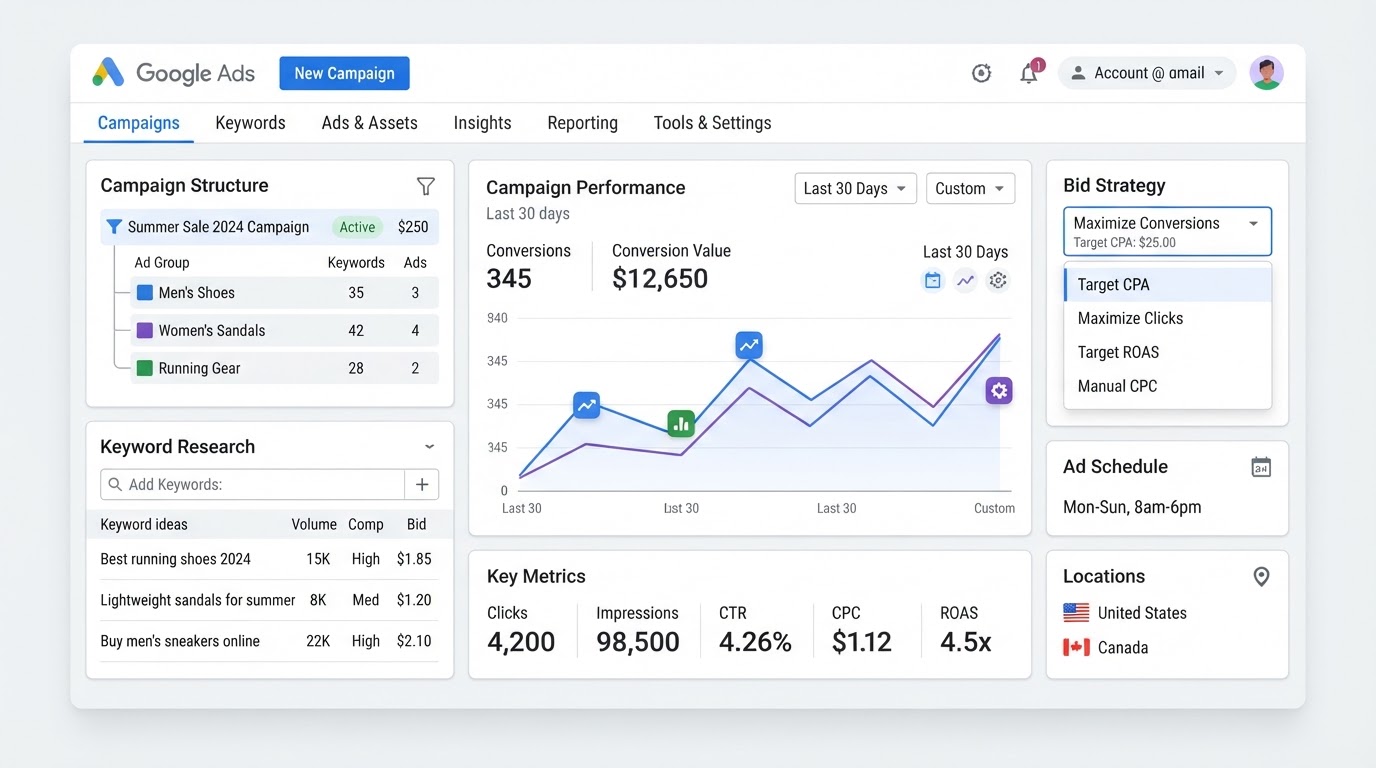
How To Set Up Google Ads Campaigns: Complete Step-by-Step Guide
8 min read
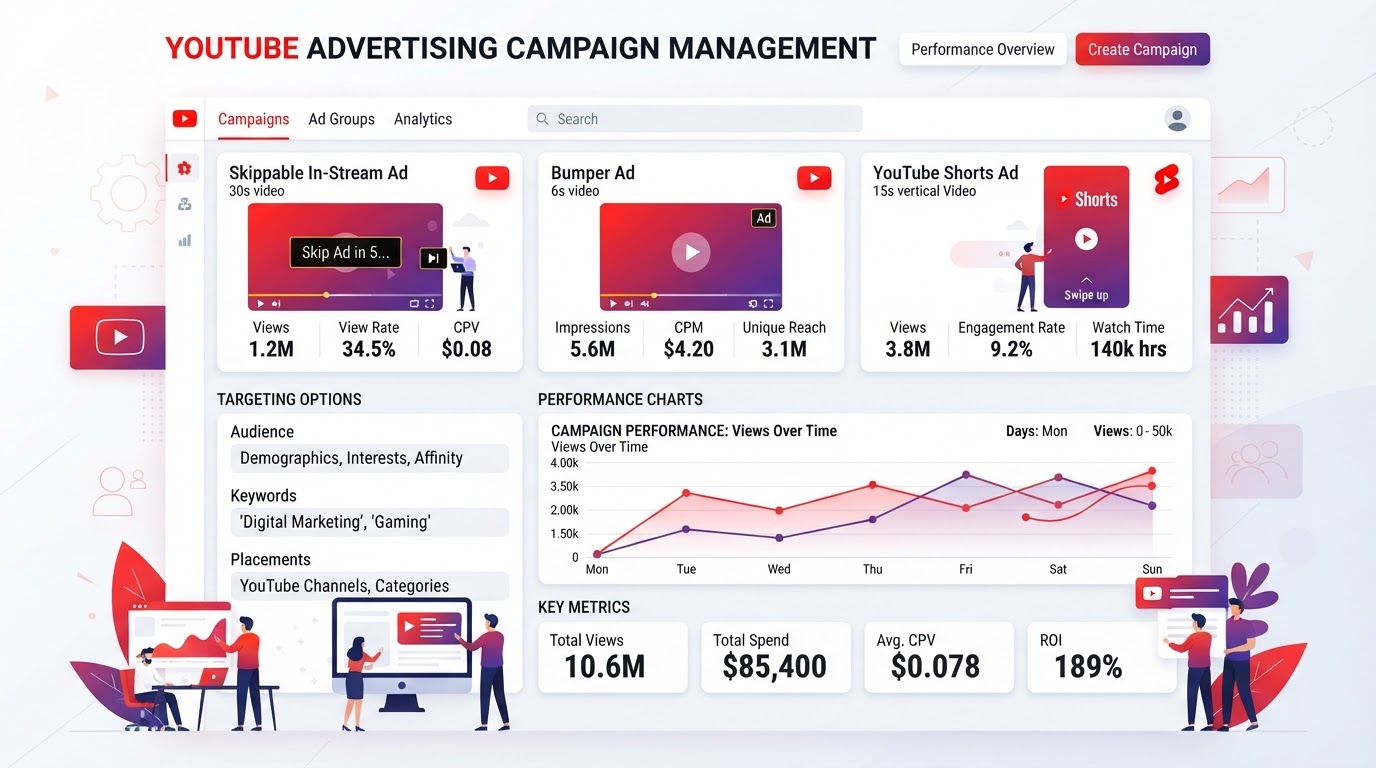
How To Run YouTube Ads: Video Campaign Setup & Optimization Guide
7 min read
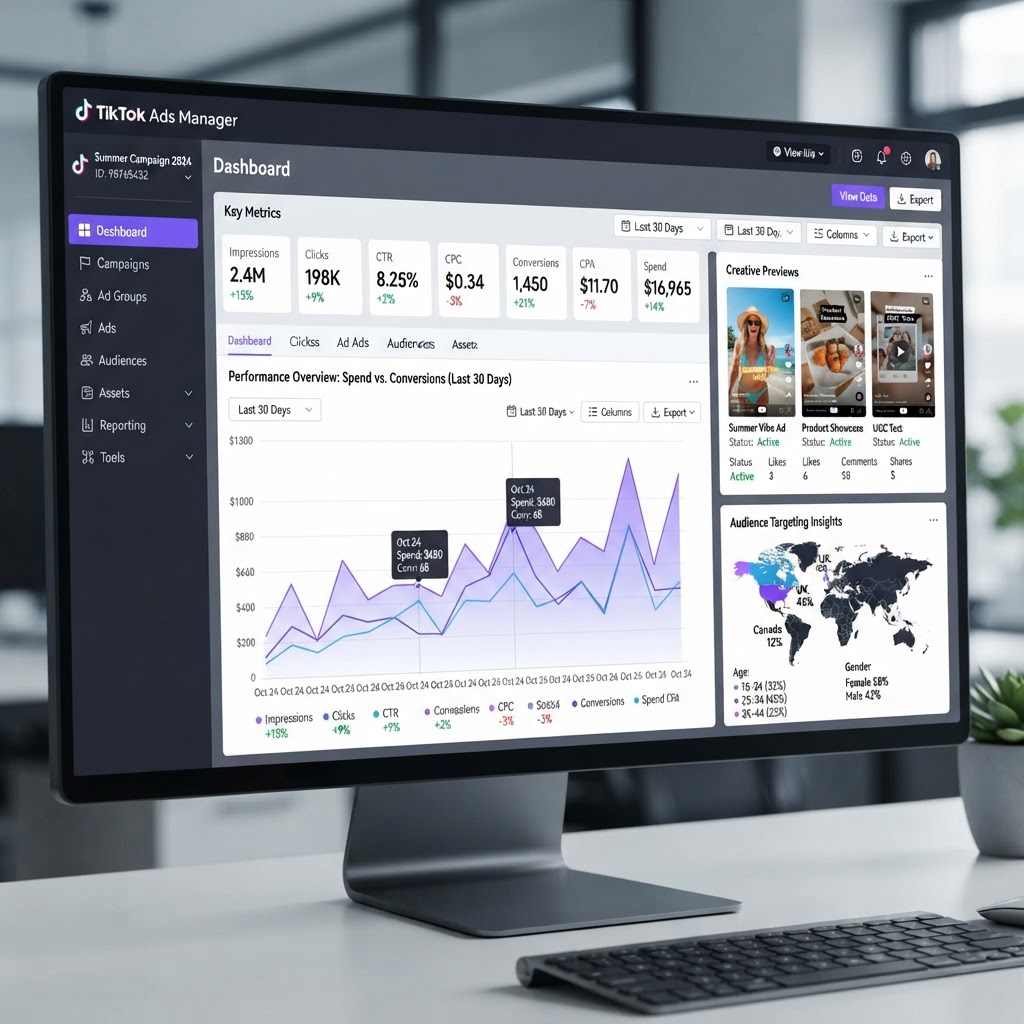
How To Run TikTok Ads: Campaign Setup & Creative Strategy Guide
7 min read
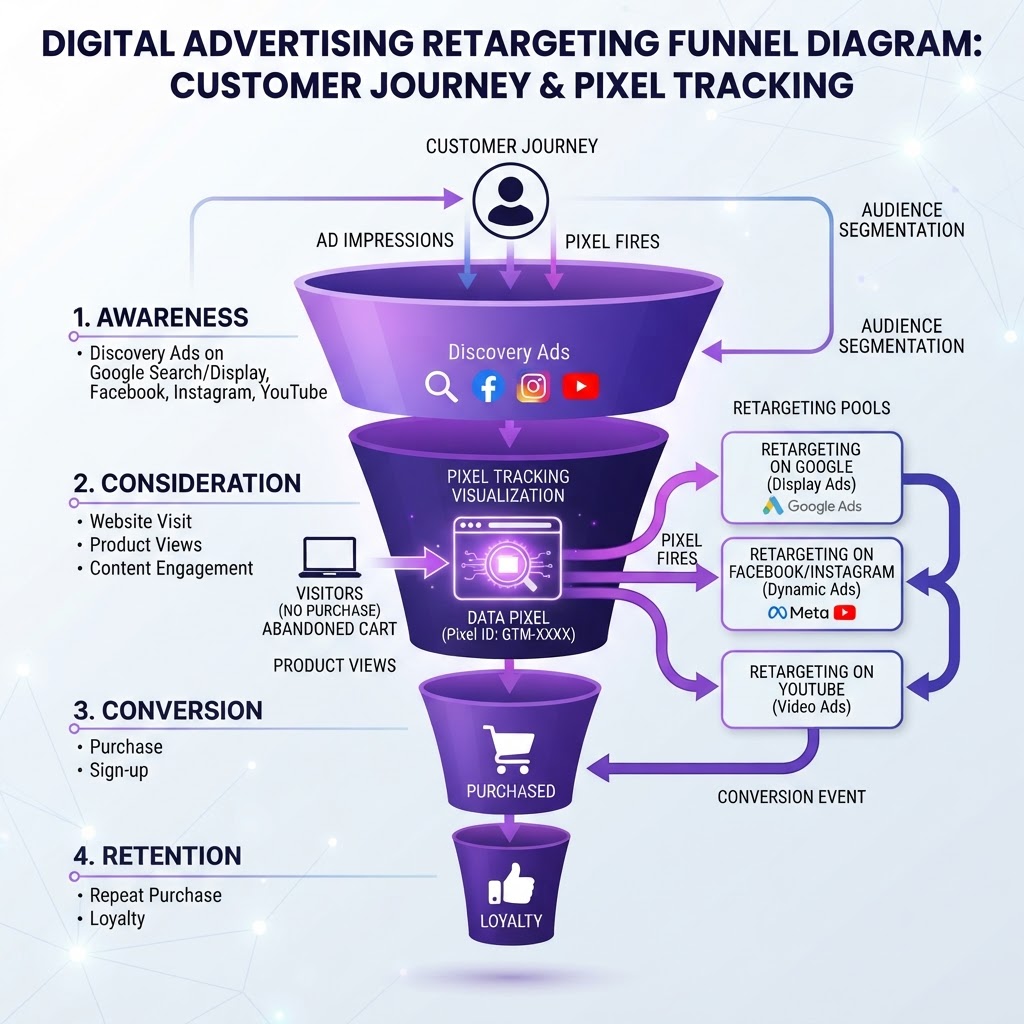
How To Set Up Retargeting Campaigns Across Google, Meta & TikTok
8 min read
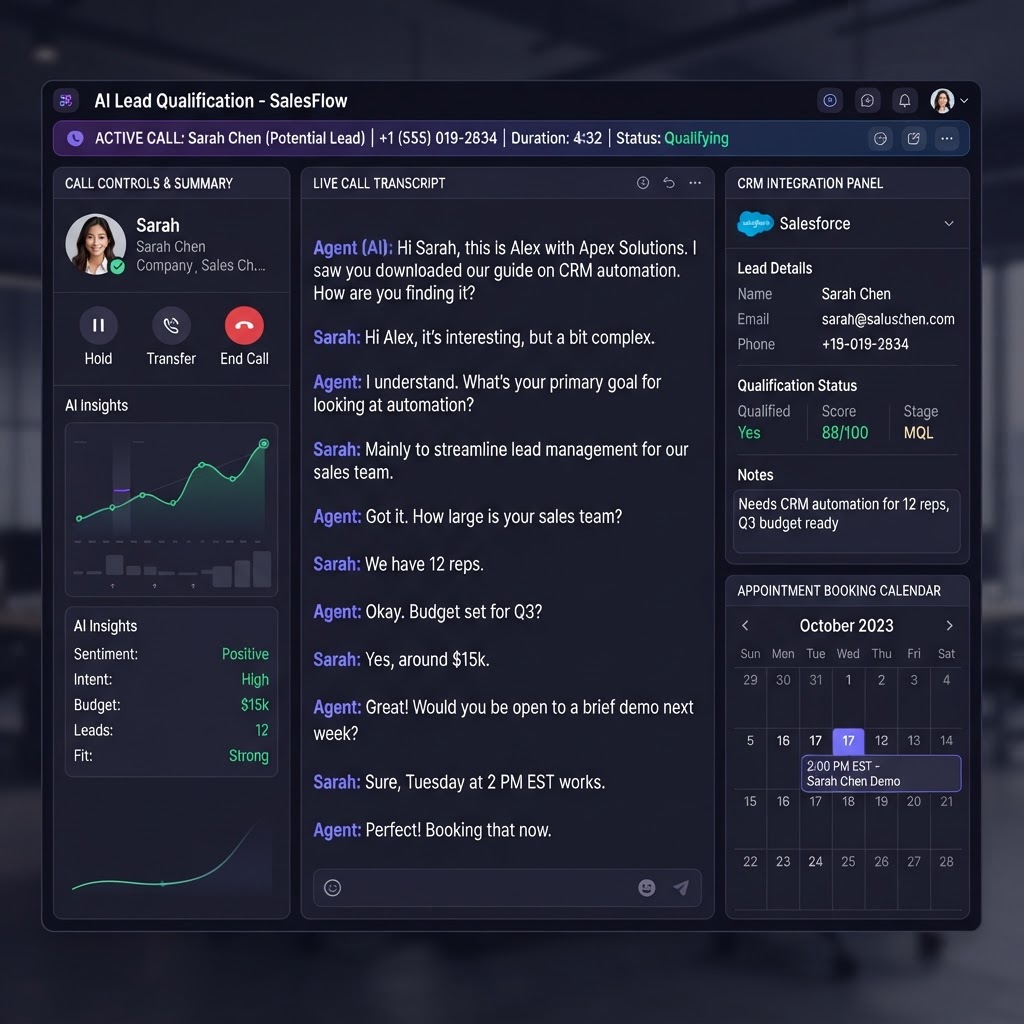
How To Use AI Lead Follow-Up To Book More Appointments Automatically
6 min read
Get Your Free Advertising Audit
Tell us about your ads and we'll build your free 48-hour audit — no credit card required.
Want done-for-you ad management?
We manage Google, Meta & YouTube ads so you can focus on running your business.
Get My Free Advertising Audit →