
How To Use Negative Keywords To Stop Wasting Ad Spend
5 min read · Published October 9, 2026
What You'll Learn In This Guide
negative keywords · google ads · search terms report · ppc optimization — step-by-step tutorial with real examples, AI prompts you can copy, and a free advertising audit checklist.
Trending Paid Ads Topics & Tutorials:
Negative keywords are the single most underused optimization in Google Ads. They prevent your ads from showing on irrelevant searches, instantly cutting wasted spend. Most advertisers who implement comprehensive negative keyword lists see 20–40% budget savings without losing qualified traffic. This guide shows you exactly how.
What Are Negative Keywords?
A negative keyword tells Google: “Don't show my ad when someone searches for this term.” For example, if you sell premium roofing services, you'd add “free,” “cheap,” “DIY,” and “jobs” as negatives — because people searching those terms aren't going to hire you.
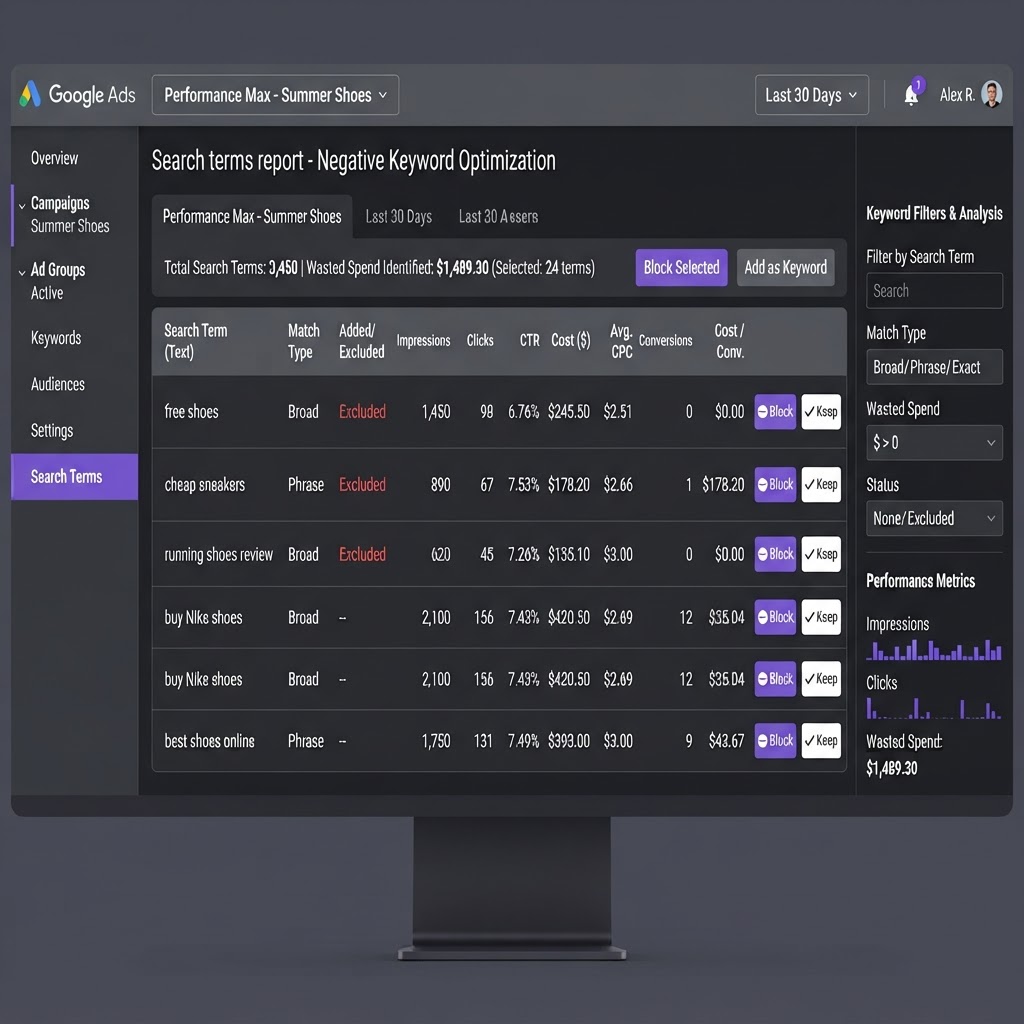
Step 1: Review Your Search Terms Report
Go to Google Ads → Insights → Search Terms. This shows you the actual queries people typed that triggered your ads. Sort by clicks and look for terms with:
- High clicks but zero conversions
- Irrelevant intent (job seekers, DIYers, free seekers)
- Out-of-area locations
- Wrong product or service type
Step 2: Build Negative Keyword Categories
Create negative keyword lists by category:
Job Seekers
Block: jobs, hiring, careers, employment, salary, apply, resume, indeed, internship
DIYers & Informational
Block: how to, diy, tutorial, guide, free, definition, what is, learn, examples
Price Shoppers
Block: cheap, cheapest, free, discount, coupon, wholesale, used, refurbished
Out-of-Area
Block: Cities, states, and ZIP codes you don't serve. Use geographic negatives to prevent clicks from outside your service area.
Step 3: Choose the Right Match Type
Negative keywords have match types just like regular keywords:
- Negative Broad: Blocks searches containing all your negative words in any order
- Negative Phrase: Blocks searches containing the exact phrase in that order
- Negative Exact: Blocks only the exact search term with no additional words
Start with Negative Phrase for most terms — it's specific enough to block the right searches without being too narrow.
Step 4: Use Negative Keyword Lists
Instead of adding negatives to each campaign individually, create shared negative keyword lists in Tools → Negative Keyword Lists. Apply the same list to multiple campaigns. This keeps your negatives organized and consistent.
Step 5: Review Weekly & Refine
Set a weekly calendar reminder to review your search terms report. Each week you'll find new irrelevant terms to block. Over time, your negative keyword lists become a powerful budget protection system.
Step 6: Measure the Impact
Track your savings by comparing:
- Cost per conversion before and after adding negatives
- Conversion rate improvement
- Total wasted spend eliminated
- Click-through rate changes (should improve as irrelevant impressions drop)
Negative keywords are the easiest win in Google Ads. A well-maintained negative keyword list can save thousands per month and dramatically improve your cost per qualified lead. If you'd like help building and managing your negative keyword lists, we handle it as part of our full ad management service.
Ad Spend Savings Calculator
See how much wasted ad budget we can recover for you
That's $15120 per year redirected to real customers
Estimates based on industry averages. Your actual savings may vary.
AI Prompts You Can Copy & Paste
Copy any prompt below and paste it into ChatGPT, Claude, or your AI assistant to generate ad copy, targeting plans, and campaign strategies for your business.
Campaign Structure Builder
Create a complete Google Ads campaign structure for my business. Include 3 ad groups with 10-15 keywords each (mix of exact, phrase, and broad match types), 3 responsive search ad headlines, and 2 descriptions. My business offers: negative keywords, google ads, search terms report. My service area: local city and surrounding ZIP codes.
Negative Keyword Generator
Generate 30 negative keywords for a Google Ads campaign about "How To Use Negative Keywords To Stop Wasting Ad Spend". Block job seekers, DIY/how-to searches, free/cheap modifiers, and irrelevant intent. Format as a comma-separated list ready to paste into Google Ads negative keyword lists.
Bid Strategy Advisor
I run Google Ads campaigns on Google Ads with a $3,000/month budget. Recommend the best bid strategy (manual CPC, maximize clicks, maximize conversions, target CPA, or target ROAS) and explain why. Then give me a week-by-week optimization plan for the first 30 days.
Ad Copy Generator
Write 5 ad headlines and 3 ad descriptions for a Google Ads campaign about negative keywords and google ads. Target audience: local customers ready to buy. Include a strong CTA and keep headlines under 40 characters.
Campaign Strategy Builder
Create a step-by-step Google Ads campaign strategy for my business. Include budget allocation, targeting recommendations, ad formats, creative ideas, and a 30-day optimization plan. My focus: negative keywords, google ads, search terms report.
Quick Tips
- Review your search terms report weekly — block irrelevant queries before they drain your budget.
- Use exact and phrase match keywords for high-intent searches; reserve broad match for discovery only.
- Set up conversion tracking before launching — you can't optimize what you can't measure.
- Test at least 2–3 ad creatives per ad group; the algorithm rewards fresh creative.
Copy-Paste Tip
"Audit my Google Ads search terms report. List any keywords that are wasting budget on irrelevant searches (jobs, free, DIY, how-to) and suggest negative keywords to block them."
Before Optimization
- 30–45% of budget wasted on bot clicks & irrelevant searches
- Leads sit for hours with no follow-up
- No visibility into which keywords drive revenue
- Avg cost per qualified lead: $148+
After Optimization
- IP blocking & negative keywords eliminate bot waste
- AI calls every lead in under 45 seconds
- Full revenue attribution by keyword & platform
- Avg cost per qualified lead: $24.80
✨Fun Facts
Leads called within 5 minutes are 21x more likely to qualify.
96% of first-time visitors leave without converting — retargeting brings them back.
Multi-channel retargeting sees 4–8x higher conversion rates.
20–40% of all ad clicks are estimated to be fraudulent.
Related Topics You Should Read Next
Frequently Asked Questions
How do I get started with negative keywords and google ads advertising?
Start by auditing your current ad account, setting up conversion tracking, defining your target audience by location and intent, and launching with a test budget of $1,500-$5,000/month. We offer a free 48-hour audit to identify wasted spend and optimization opportunities — no credit card required.
How much should I budget for google ads campaigns?
Most local businesses start with $1,500-$5,000/month in ad spend. Our management plans start at $250/week with no setup fees and month-to-month flexibility. Advertising spend is separate from management fees and is paid directly to the ad platforms (Google, Meta, etc.).
How long until I see results from negative keywords and google ads?
Most campaigns show initial data within 7-14 days. Meaningful cost-per-lead reduction and qualified customer growth typically happen within 30-60 days of active management, continuous creative testing, and audience refinement.
Do you offer google ads management with no long-term contracts?
Yes. Our monthly management plans are month-to-month with no setup fees. We earn your business every 30 days. Text us at 1-347-990-4019 for a free advertising audit, or visit our paid ads optimization page to get started.
Found This Helpful? Tell a Friend
Know another business owner who's burning ad budget on the wrong clicks? Send them this article.
Our Recommendations
- Start with a full audit of your current ad account — identify wasted spend before scaling.
- Implement server-side conversion tracking (CAPI) to recover data lost to iOS opt-outs.
- Connect an AI lead follow-up system so every inquiry is called within seconds, not hours.
- Run coordinated multi-channel retargeting across Google, Meta & YouTube to maximize reach.
Earnings Disclaimer
Alomar Marketing LLC is a paid advertising management company. This article is provided for educational purposes and may reference our services. We do not guarantee specific results — advertising performance varies based on industry, budget, market conditions, and campaign execution. Any testimonials or case studies reflect individual results and are not indicative of future performance. This content may contain references to our paid services.
Related Articles
See All Marketing Articles
How To Set Up Google Ads Campaigns: Complete Step-by-Step Guide
8 min read
Clicks, But No Sales? How To Fix Your Meta Ads Pixel & Purchase Tracking
6 min read

Track Paid Upsells: Step-by-Step Guide To Boosting Average Order Value
7 min read

Connect Your Tracking: One Event Setup Across Google, Meta & TikTok
9 min read
How To Run YouTube Ads: Video Campaign Setup & Optimization Guide
7 min read

How To Run TikTok Ads: Campaign Setup & Creative Strategy Guide
7 min read
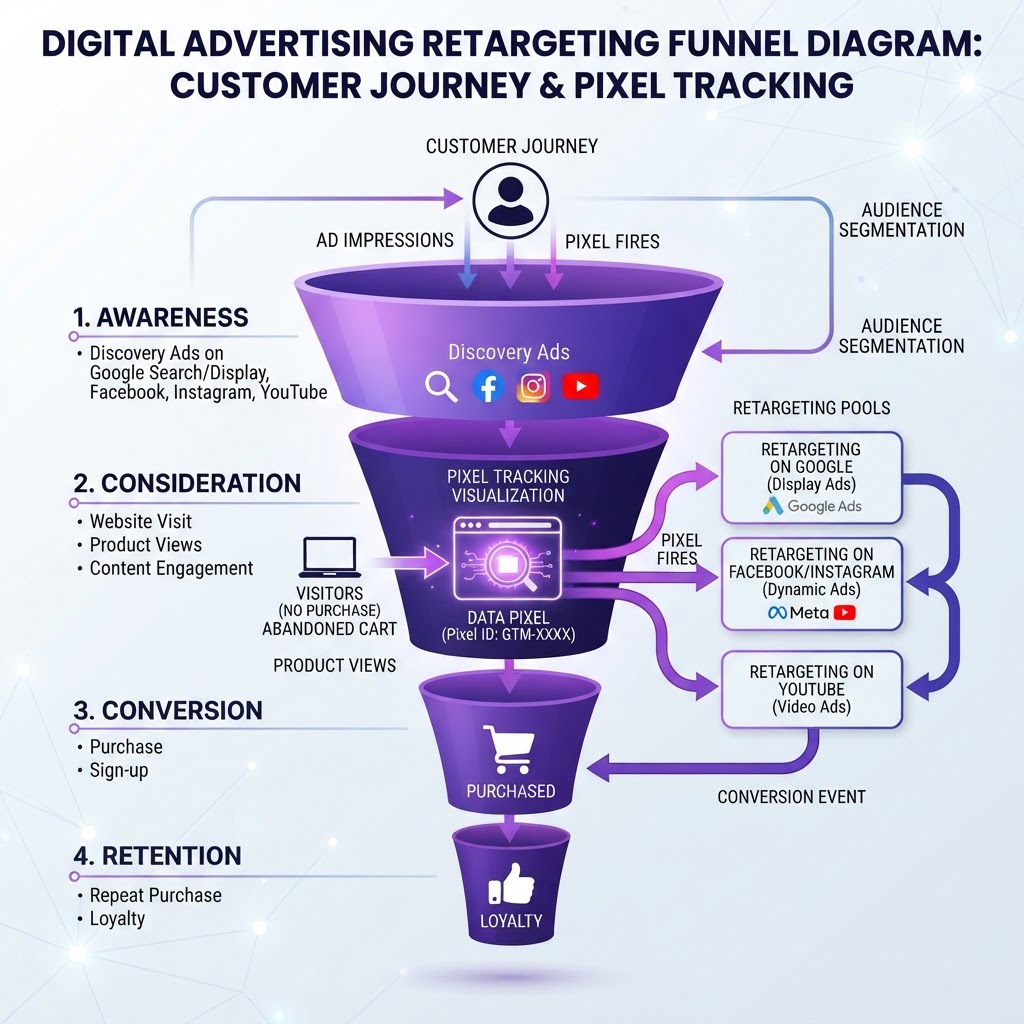
How To Set Up Retargeting Campaigns Across Google, Meta & TikTok
8 min read
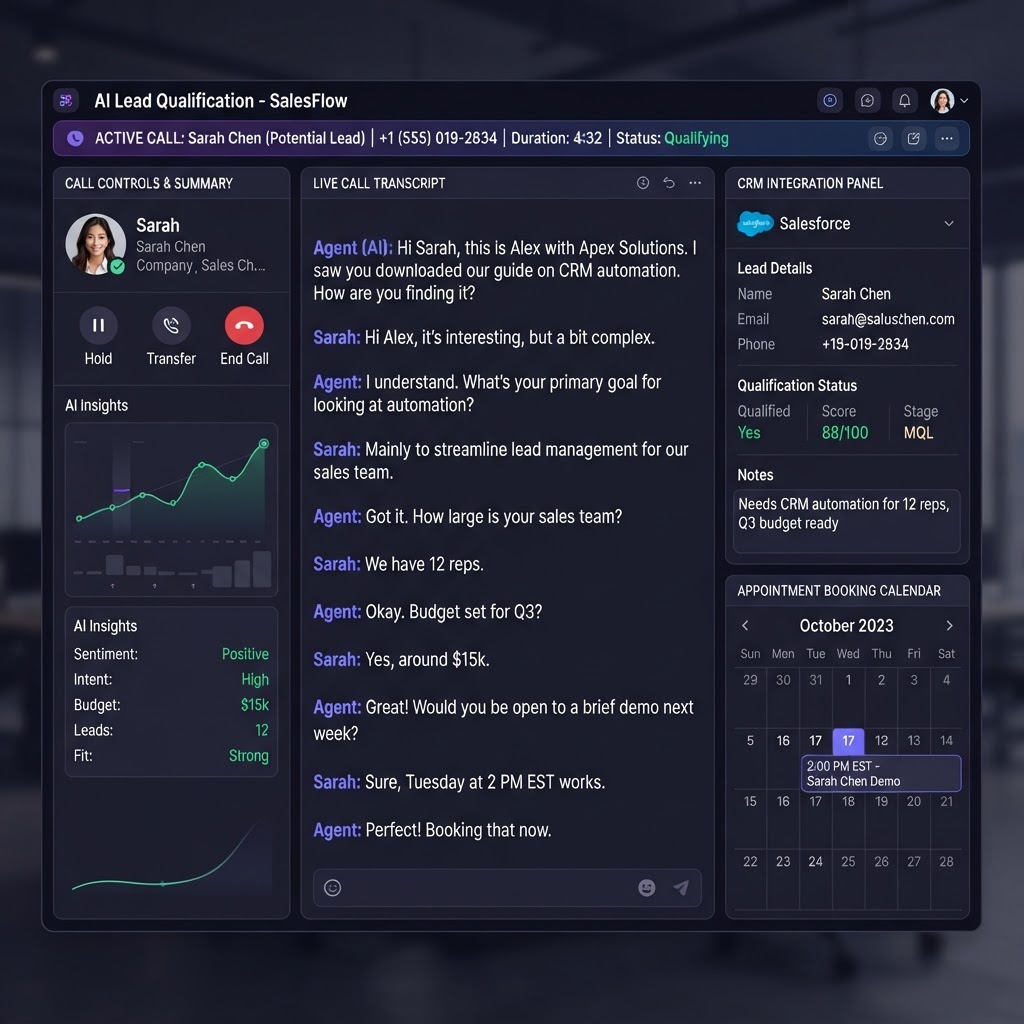
How To Use AI Lead Follow-Up To Book More Appointments Automatically
6 min read
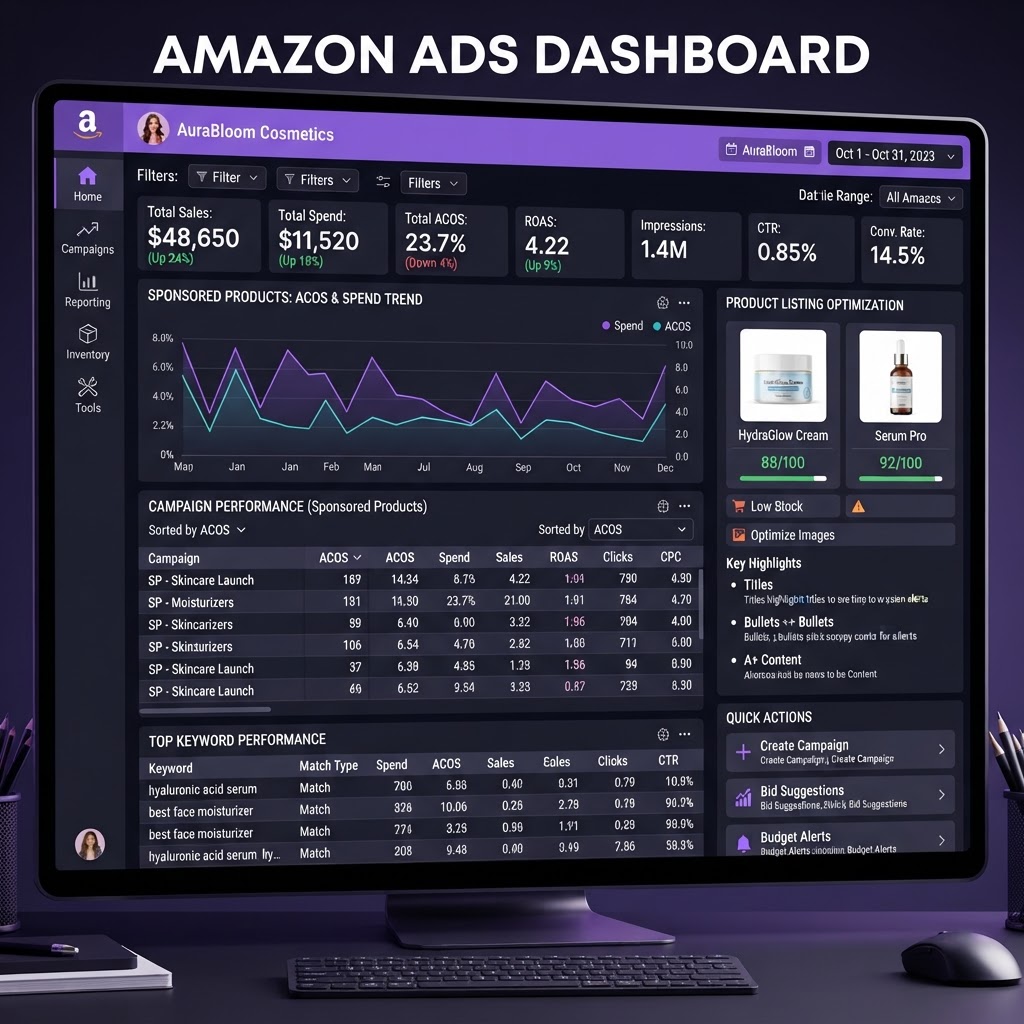
How To Optimize Amazon Ads: Sponsored Products & ACOS Guide
8 min read
Get Your Free Advertising Audit
Tell us about your ads and we'll build your free 48-hour audit — no credit card required.
Want done-for-you ad management?
We manage Google, Meta & YouTube ads so you can focus on running your business.
Get My Free Advertising Audit →