
How To Optimize Facebook Ads: Targeting, Creative & Bidding Guide
8 min read · Published October 7, 2026
What You'll Learn In This Guide
facebook ads · meta ads · facebook targeting · ad creative testing — step-by-step tutorial with real examples, AI prompts you can copy, and a free advertising audit checklist.
Trending Paid Ads Topics & Tutorials:
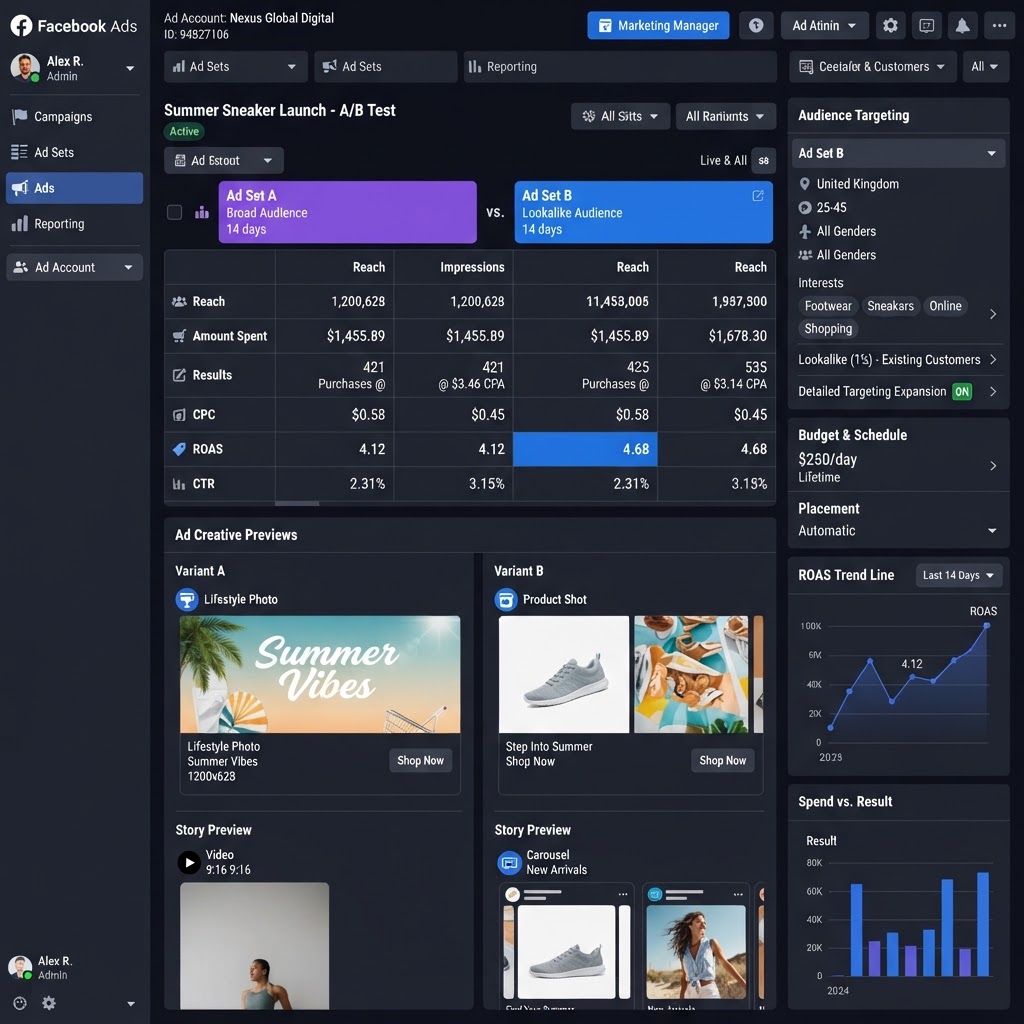
Facebook (Meta) Ads remains one of the most powerful advertising platforms for reaching targeted audiences at scale. But rising CPAs and increasing competition mean you need a disciplined optimization process. This guide covers the three pillars of Facebook Ads optimization: targeting, creative, and bidding.
Step 1: Optimize Your Targeting Strategy
Meta's algorithm has evolved — broad targeting with strong creative often outperforms hyper-specific audiences. But you should still structure your targeting strategically:
- Advantage+ Audiences: Let Meta's AI find your best customers. Start here for most campaigns.
- Custom Audiences: Retarget website visitors, email lists, and engaged followers.
- Lookalike Audiences: Build 1–3% lookalikes from your best customers.
- Detailed Targeting: Layer interests, behaviors, and demographics when Advantage+ underperforms.
Test one variable at a time. Don't layer 5 targeting options — you'll narrow your audience too much and starve the algorithm.
Step 2: Master Creative Testing
Creative is responsible for 70–80% of Facebook ad performance. Use a structured testing framework:
- Test one variable at a time: Hook, format, offer, or audience — never all at once
- Use the Creative Framework: Test 3–5 creatives per ad set, let Meta optimize toward the winner
- Refresh weekly: Ad fatigue sets in fast on Facebook. Rotate new creative every 5–7 days
- Test formats: Single image, carousel, video, and Reels — Reels often have the lowest CPMs
Step 3: Write High-Converting Ad Copy
Follow this framework for your ad copy:
- Primary text: Lead with the benefit, not the feature. Keep it under 3 lines before the “See More” cutoff
- Headline: Include your offer and a clear CTA
- Description: Add urgency or social proof
- CTA button: Match the action (“Learn More,” “Sign Up,” “Shop Now”)
Step 4: Choose the Right Bidding Strategy
- Lowest Cost: Best for new campaigns — let Meta spend efficiently
- Cost Cap: Set a max CPA target once you have 50+ conversions
- Bid Cap: Control your max bid for predictable spend
- Minimum ROAS: Optimize for return on ad spend (e-commerce)
Start with Lowest Cost, then switch to Cost Cap once you have enough conversion data for the algorithm to optimize.
Step 5: Optimize Placements
Use Advantage+ Placements (automatic placements) for most campaigns. But monitor performance by placement and exclude:
- Placements with high CPMs and low conversion rates
- Audience Network if it drives low-quality traffic
- Specific apps or publishers with poor performance
Step 6: Set Up Conversion Tracking & CAPI
Install the Meta Pixel and set up Conversions API (CAPI) for server-side tracking. CAPI recovers 20–40% of conversion data lost to iOS opt-outs. Without it, your optimization data is incomplete and your CPA will appear higher than it really is.
Step 7: Analyze & Scale
Review weekly and optimize based on:
- CPA by ad set, creative, and placement
- ROAS by audience segment
- Frequency (keep under 3–4 per week to avoid fatigue)
- Hook rate (first 3 seconds of video engagement)
- Hold rate (percentage who watch past 3 seconds)
Scale winners by increasing budget 20–30% at a time. Kill losers quickly — don't let underperformers drain your budget.
Facebook Ads optimization is an ongoing process. The advertisers who win are the ones who test relentlessly, refresh creative often, and let data drive decisions. If you'd like help managing your Facebook ad campaigns, we handle targeting, creative, and daily optimization.
Ad Spend Savings Calculator
See how much wasted ad budget we can recover for you
That's $15120 per year redirected to real customers
Estimates based on industry averages. Your actual savings may vary.
AI Prompts You Can Copy & Paste
Copy any prompt below and paste it into ChatGPT, Claude, or your AI assistant to generate ad copy, targeting plans, and campaign strategies for your business.
Facebook Ad Copy Writer
Write 5 Facebook ad headlines and 3 ad descriptions for a campaign about "How To Optimize Facebook Ads: Targeting, Creative & Bidding Guide". Target audience: local business owners aged 25-65. Include a strong call to action and an emotional hook. Keep each headline under 40 characters.
Audience Targeting Planner
Create a Facebook & Instagram Ads audience targeting strategy for facebook ads and meta ads. Include 3 core audiences, 2 lookalike audiences, and 1 retargeting audience. Specify interests, behaviors, and demographics for each.
Pixel & Tracking Setup
Walk me through setting up the Meta Pixel and Conversion API (CAPI) for my meta ads campaigns. Include step-by-step instructions, the events I should track (Lead, Purchase, CompleteRegistration), and how to verify the pixel is firing correctly with the Meta Pixel Helper.
Ad Copy Generator
Write 5 ad headlines and 3 ad descriptions for a Meta Ads campaign about facebook ads and meta ads. Target audience: local customers ready to buy. Include a strong CTA and keep headlines under 40 characters.
Campaign Strategy Builder
Create a step-by-step Meta Ads campaign strategy for my business. Include budget allocation, targeting recommendations, ad formats, creative ideas, and a 30-day optimization plan. My focus: facebook ads, meta ads, facebook targeting.
Quick Tips
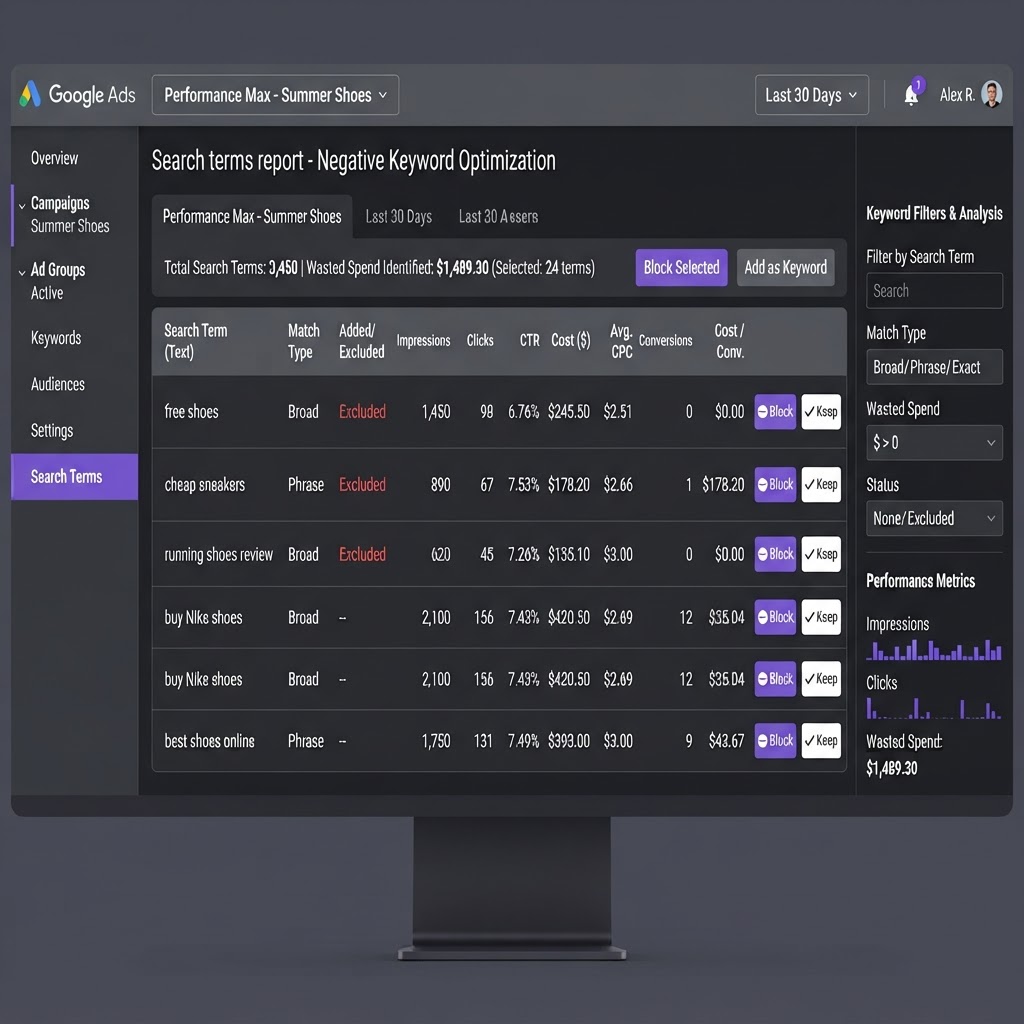
- Review your search terms report weekly — block irrelevant queries before they drain your budget.
- Use exact and phrase match keywords for high-intent searches; reserve broad match for discovery only.
- Set up conversion tracking before launching — you can't optimize what you can't measure.
- Test at least 2–3 ad creatives per ad group; the algorithm rewards fresh creative.
Copy-Paste Tip
"Audit my Google Ads search terms report. List any keywords that are wasting budget on irrelevant searches (jobs, free, DIY, how-to) and suggest negative keywords to block them."
Before Optimization
- 30–45% of budget wasted on bot clicks & irrelevant searches
- Leads sit for hours with no follow-up
- No visibility into which keywords drive revenue
- Avg cost per qualified lead: $148+
After Optimization
- IP blocking & negative keywords eliminate bot waste
- AI calls every lead in under 45 seconds
- Full revenue attribution by keyword & platform
- Avg cost per qualified lead: $24.80
✨Fun Facts
Leads called within 5 minutes are 21x more likely to qualify.
96% of first-time visitors leave without converting — retargeting brings them back.
Multi-channel retargeting sees 4–8x higher conversion rates.
20–40% of all ad clicks are estimated to be fraudulent.
Frequently Asked Questions
How do I get started with facebook ads and meta ads advertising?
Start by auditing your current ad account, setting up conversion tracking, defining your target audience by location and intent, and launching with a test budget of $1,500-$5,000/month. We offer a free 48-hour audit to identify wasted spend and optimization opportunities — no credit card required.
How much should I budget for meta ads campaigns?
Most local businesses start with $1,500-$5,000/month in ad spend. Our management plans start at $250/week with no setup fees and month-to-month flexibility. Advertising spend is separate from management fees and is paid directly to the ad platforms (Google, Meta, etc.).
How long until I see results from facebook ads and meta ads?
Most campaigns show initial data within 7-14 days. Meaningful cost-per-lead reduction and qualified customer growth typically happen within 30-60 days of active management, continuous creative testing, and audience refinement.
Do you offer meta ads management with no long-term contracts?
Yes. Our monthly management plans are month-to-month with no setup fees. We earn your business every 30 days. Text us at 1-347-990-4019 for a free advertising audit, or visit our paid ads optimization page to get started.
Found This Helpful? Tell a Friend
Know another business owner who's burning ad budget on the wrong clicks? Send them this article.
Our Recommendations
- Start with a full audit of your current ad account — identify wasted spend before scaling.
- Implement server-side conversion tracking (CAPI) to recover data lost to iOS opt-outs.
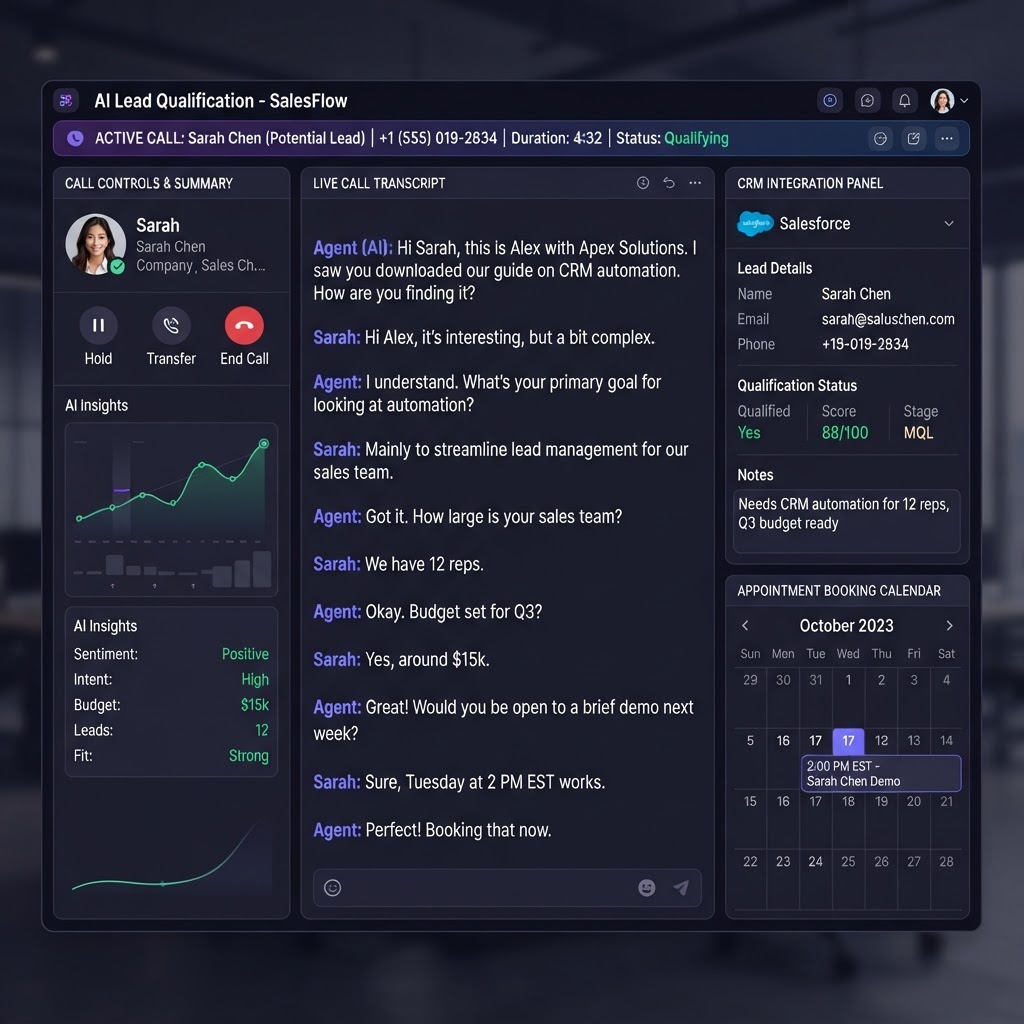
- Connect an AI lead follow-up system so every inquiry is called within seconds, not hours.
- Run coordinated multi-channel retargeting across Google, Meta & YouTube to maximize reach.
Earnings Disclaimer
Alomar Marketing LLC is a paid advertising management company. This article is provided for educational purposes and may reference our services. We do not guarantee specific results — advertising performance varies based on industry, budget, market conditions, and campaign execution. Any testimonials or case studies reflect individual results and are not indicative of future performance. This content may contain references to our paid services.
Related Articles
See All Marketing Articles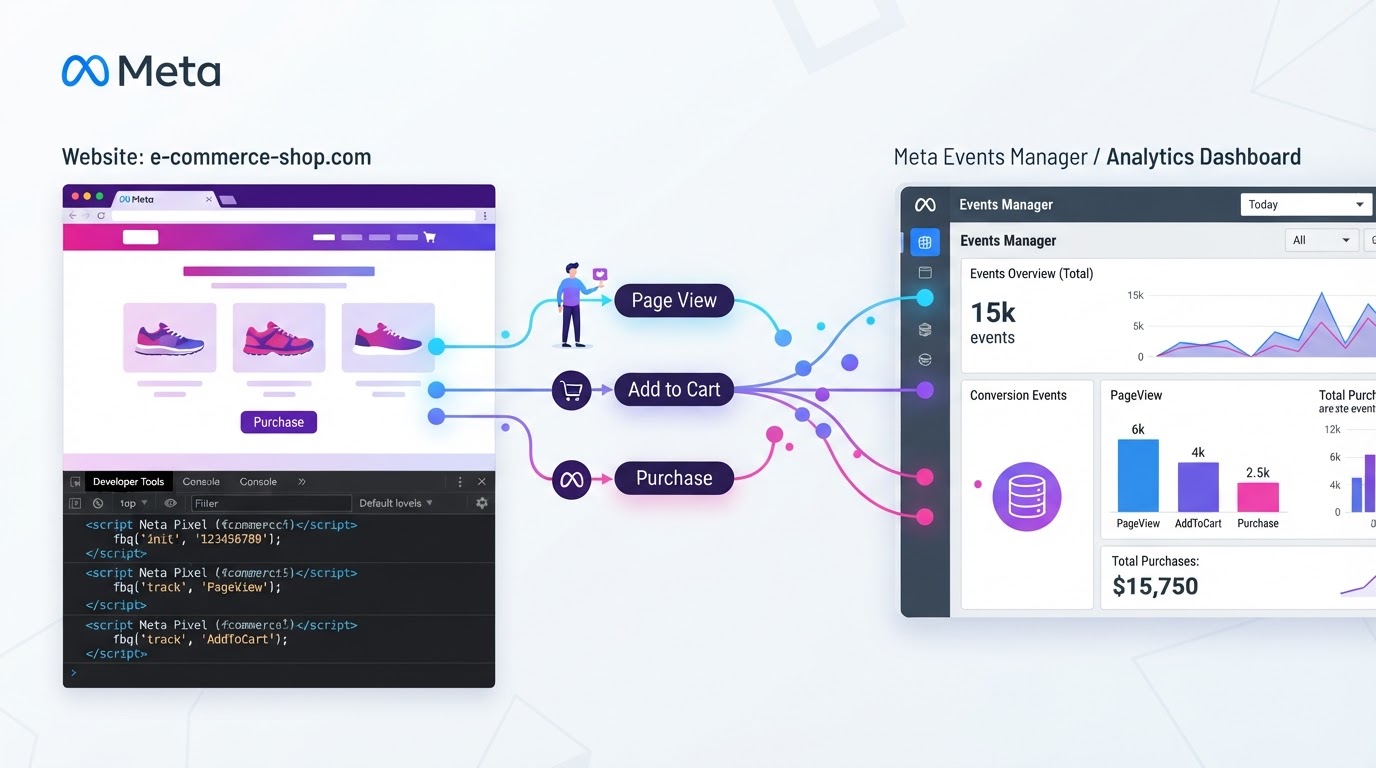
Clicks, But No Sales? How To Fix Your Meta Ads Pixel & Purchase Tracking
6 min read
Cut Wasted Searches: How To Use Negative Keywords To Stop Burning Ad Spend
5 min read

Track Paid Upsells: Step-by-Step Guide To Boosting Average Order Value
7 min read
Connect Your Tracking: One Event Setup Across Google, Meta & TikTok
9 min read
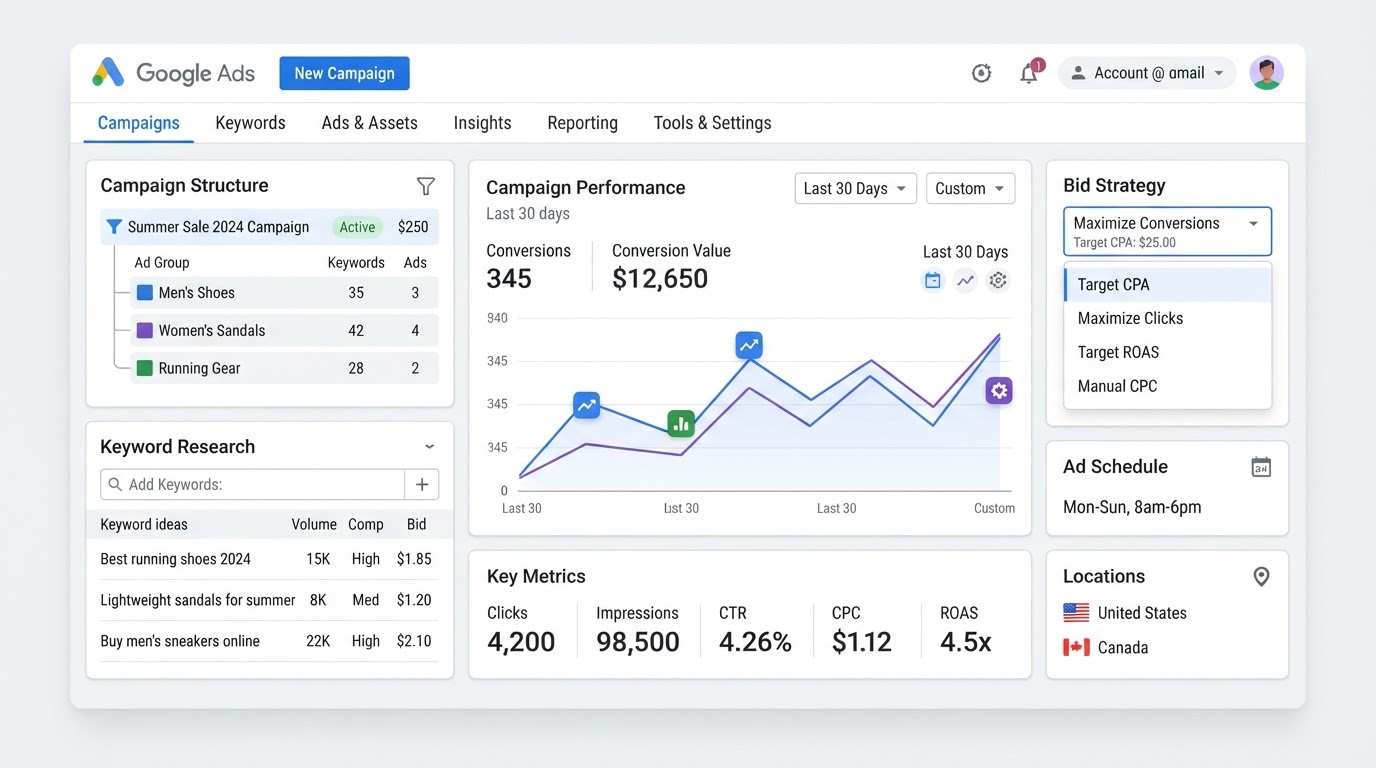
How To Set Up Google Ads Campaigns: Complete Step-by-Step Guide
8 min read
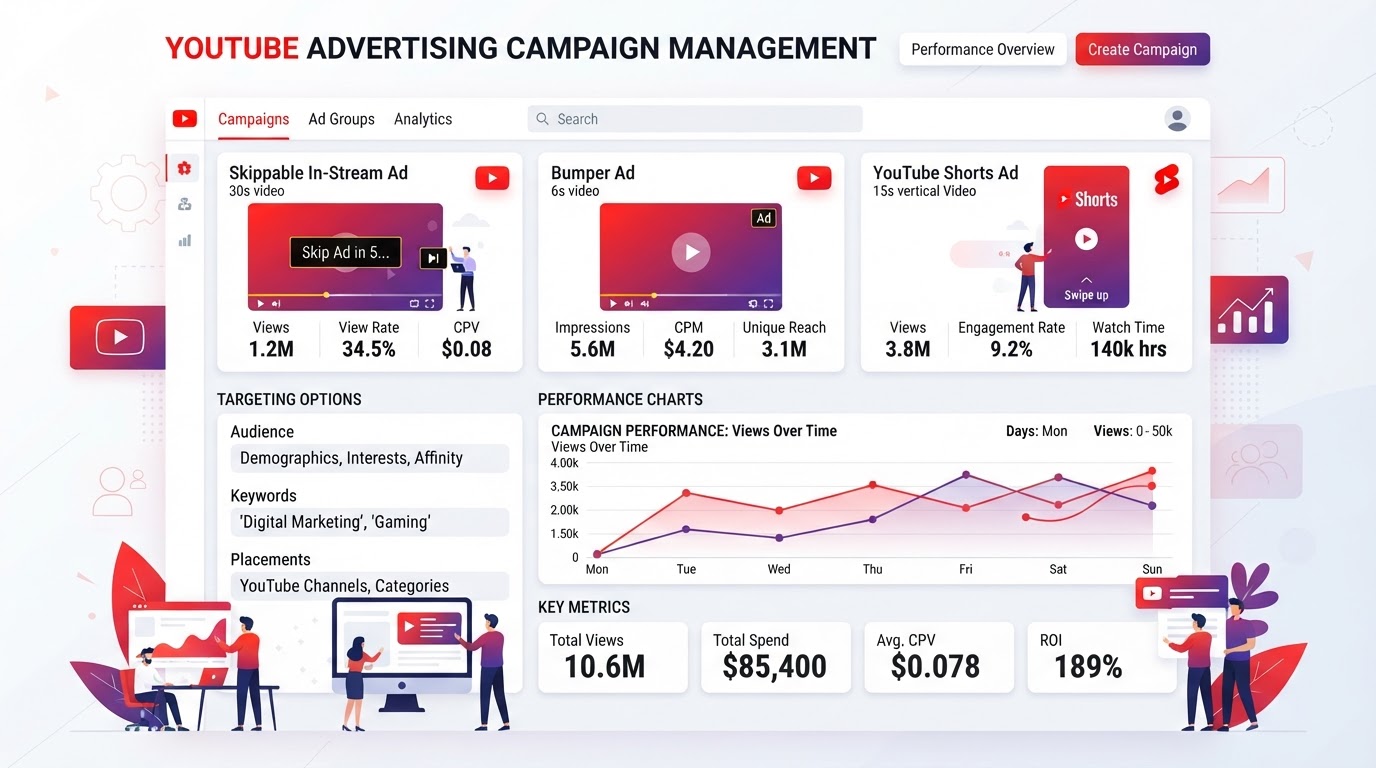
How To Run YouTube Ads: Video Campaign Setup & Optimization Guide
7 min read
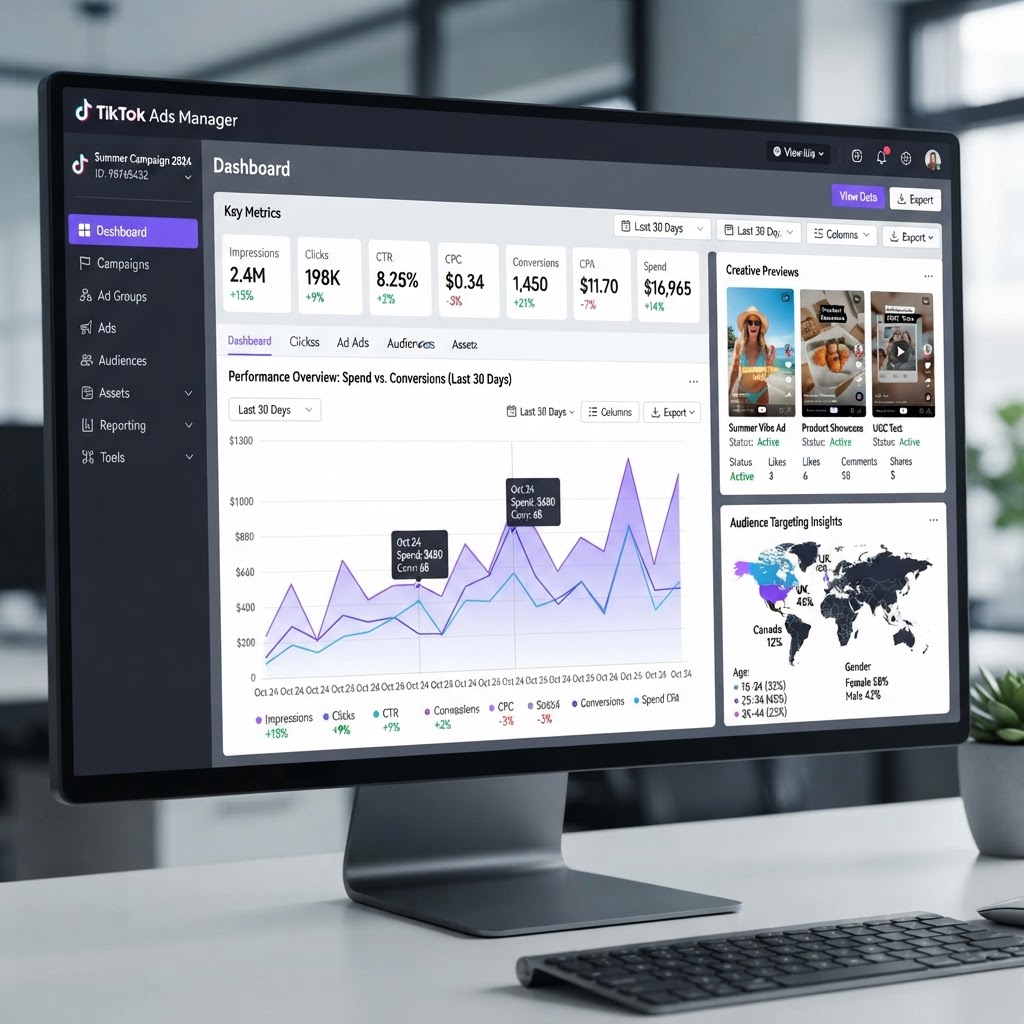
How To Run TikTok Ads: Campaign Setup & Creative Strategy Guide
7 min read
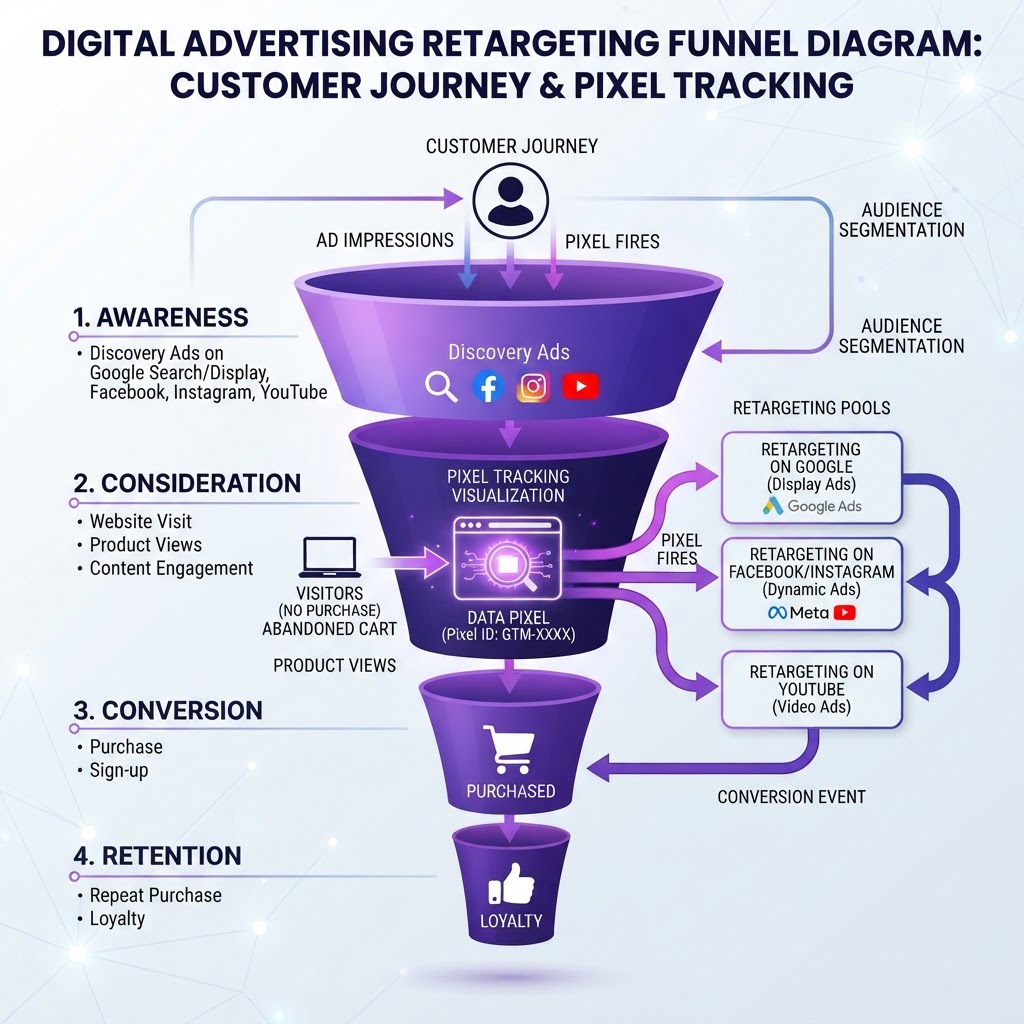
How To Set Up Retargeting Campaigns Across Google, Meta & TikTok
8 min read
How To Use AI Lead Follow-Up To Book More Appointments Automatically
6 min read
Get Your Free Advertising Audit
Tell us about your ads and we'll build your free 48-hour audit — no credit card required.
Want done-for-you ad management?
We manage Google, Meta & YouTube ads so you can focus on running your business.
Get My Free Advertising Audit →